Wallpaper Wednesday: Christmas
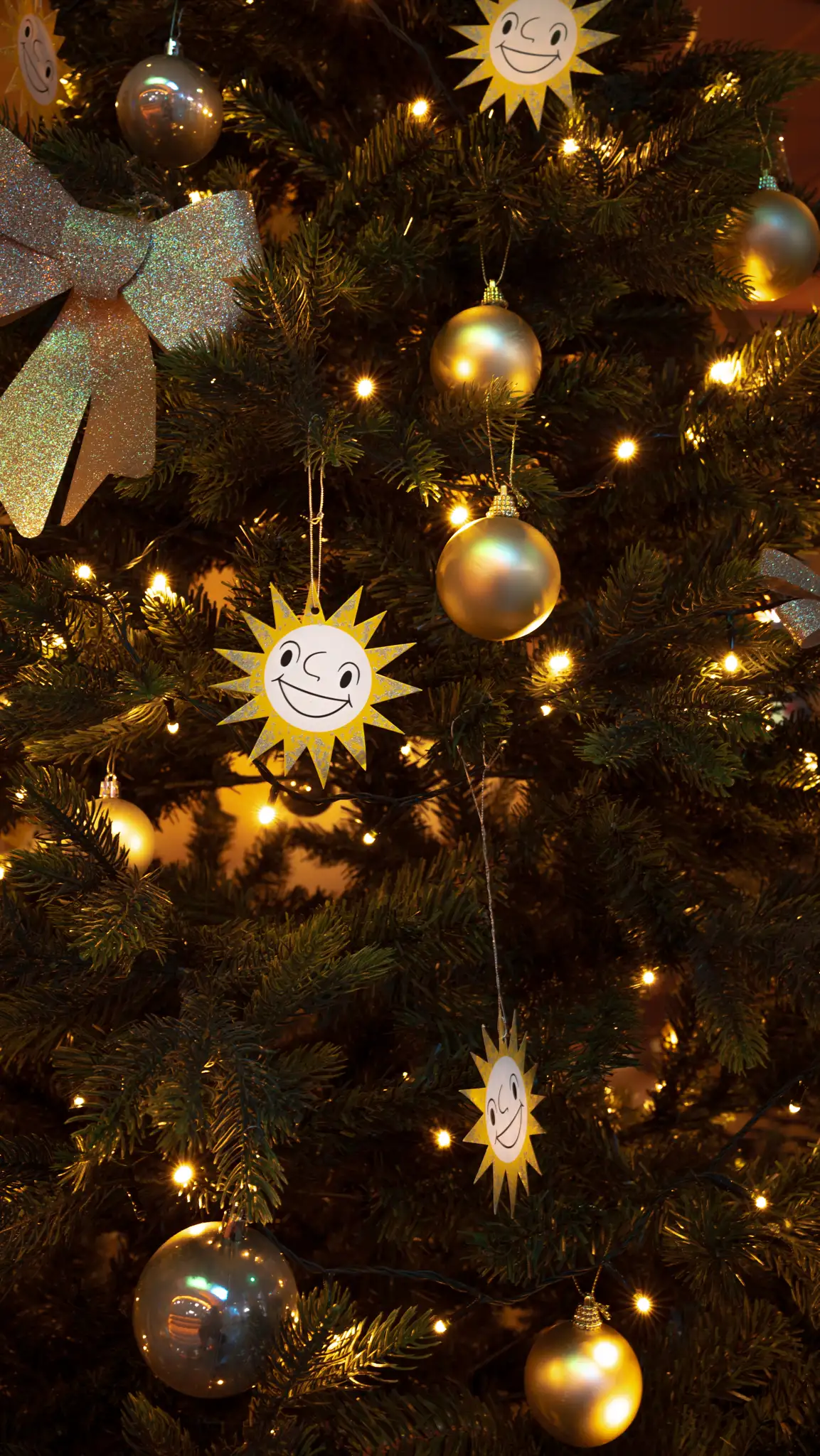
Get festive MERKUR wallpapers on your smartphone!
approx. 1 min.
Wallpaper Wednesday: Christmas

A new look for your smartphone
For the Christmas special, we’re bringing Wallpaper Wednesday from Instagram to MERKUR.COM! Get the festive wallpapers and give your smartphone a cheerful holiday look.
ℹ Had enough of Christmas? Check out our “Wallpaper” story highlight on Instagram : here you’ll find plenty more backgrounds featuring our games, arcades, and casinos.
How to save the wallpapers:
- Tap and hold the desired image until the options appear.
- Depending on your operating system, select “Save to Photos,” “Save Image,” “Share > Save File,” or a similar option.
- Change your wallpaper via your smartphone settings or directly from the gallery.